Linux
- Scripts run
- In a login shell (sh -lc)
- Shortcuts use
- xdotool, on an X11 desktop
- Turn on
- OpenSSH server
One-Tap Failsafe
One-tap remote failsafe for Android
Save the commands you'd reach for when it counts, like a screen lock, a backup or a shutdown, and run them over SSH on your Linux, macOS and Windows machines. From the app, or straight from your home screen.
Why
You left a machine unlocked. A session has to end now. A containment script has to run before anything else does. Normally that means opening a terminal, finding the host and typing the command while the clock runs. nukeit keeps those actions saved and one tap away.
Scripts
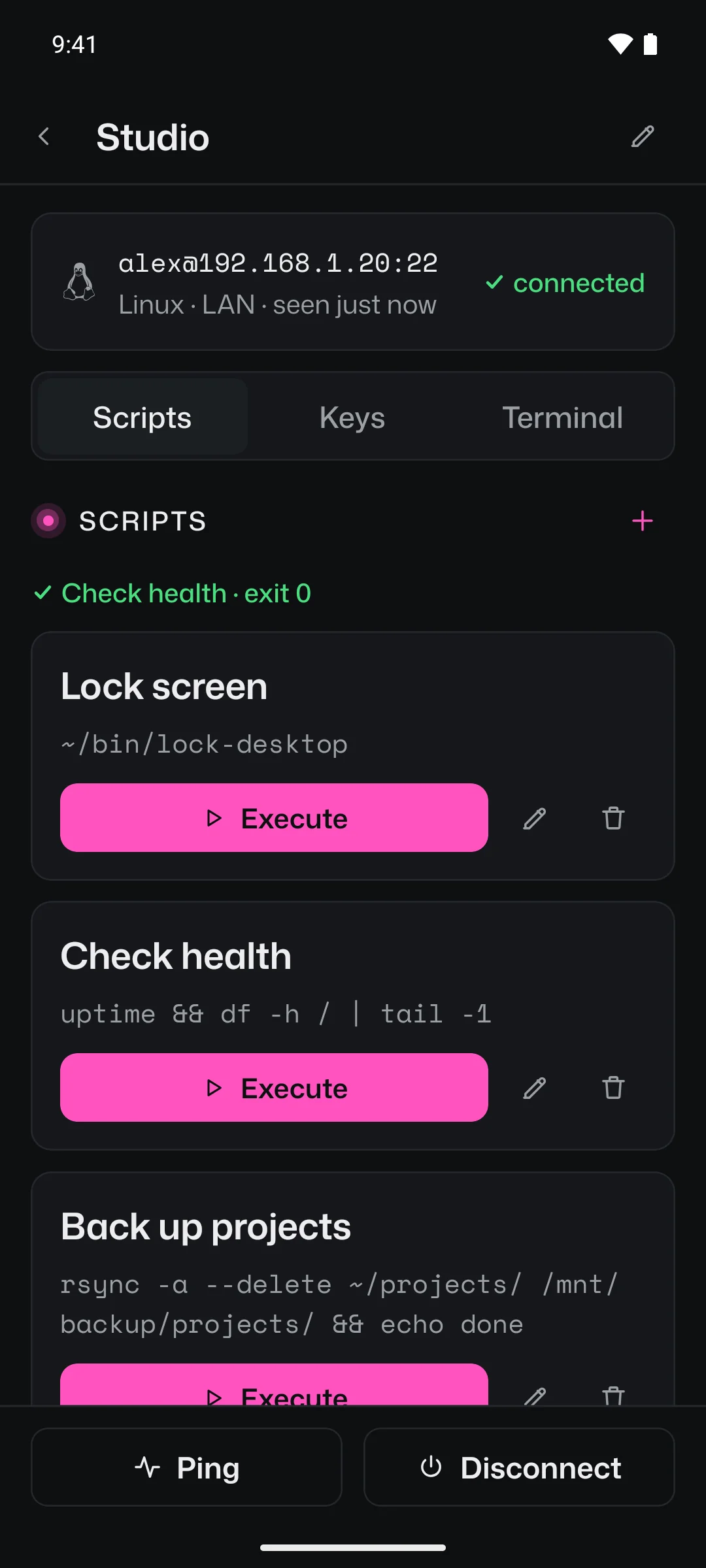
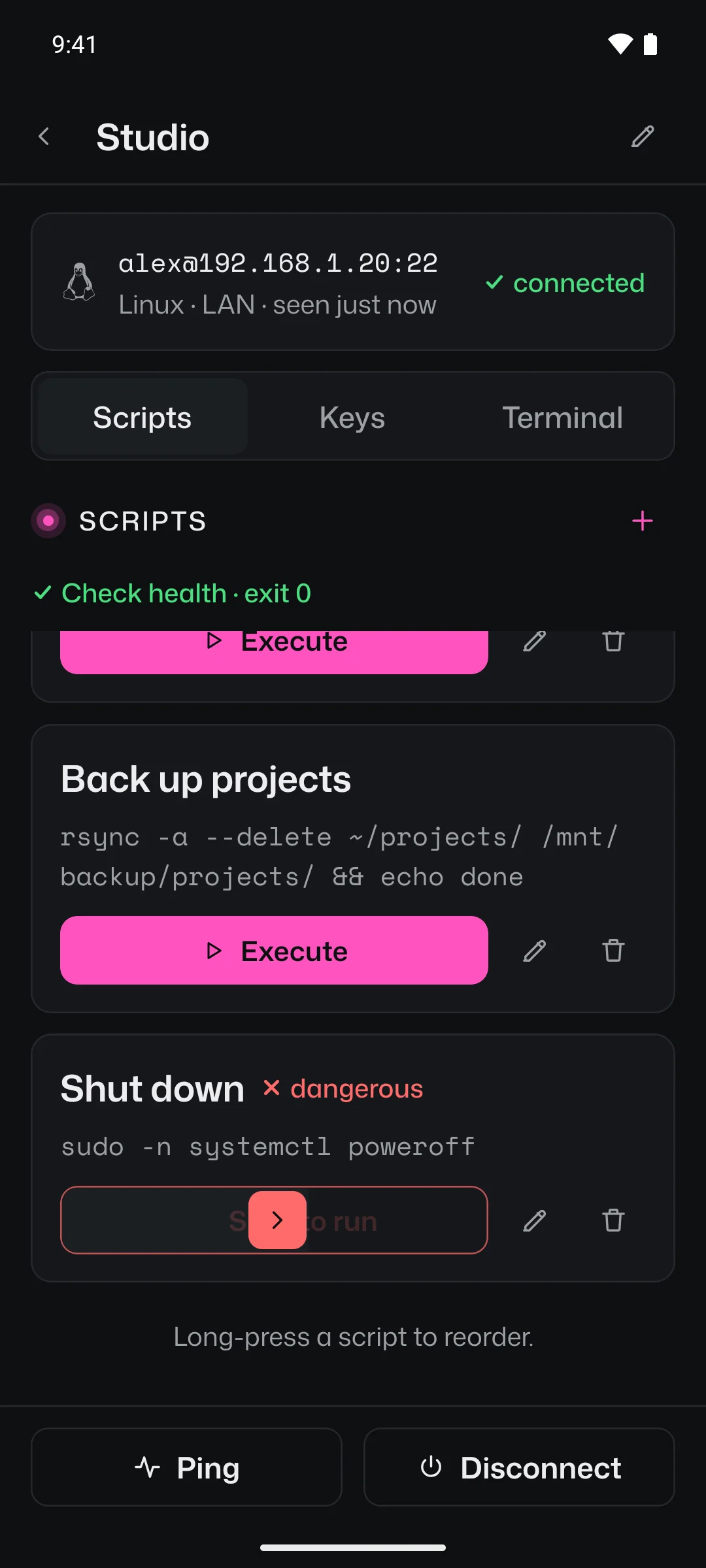
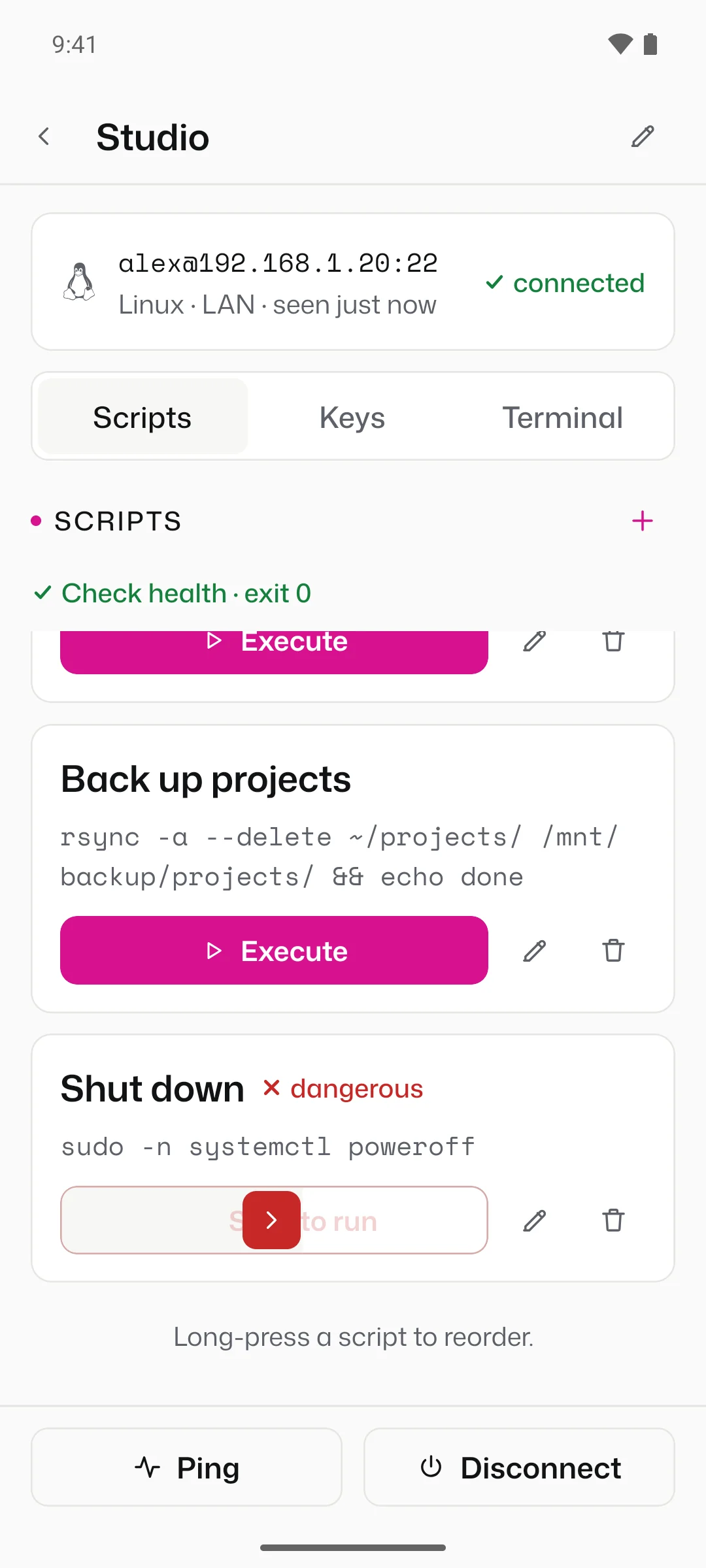
Save any command under a name. Execute opens the SSH session if one isn't open, runs the command and shows how it ended, right above the list.
Slide to Run
Flag a script as dangerous and its Execute button becomes a slide. Drag the thumb to the end and it runs; let go early and it slides back. A stray tap while you scroll does nothing.
Shortcuts
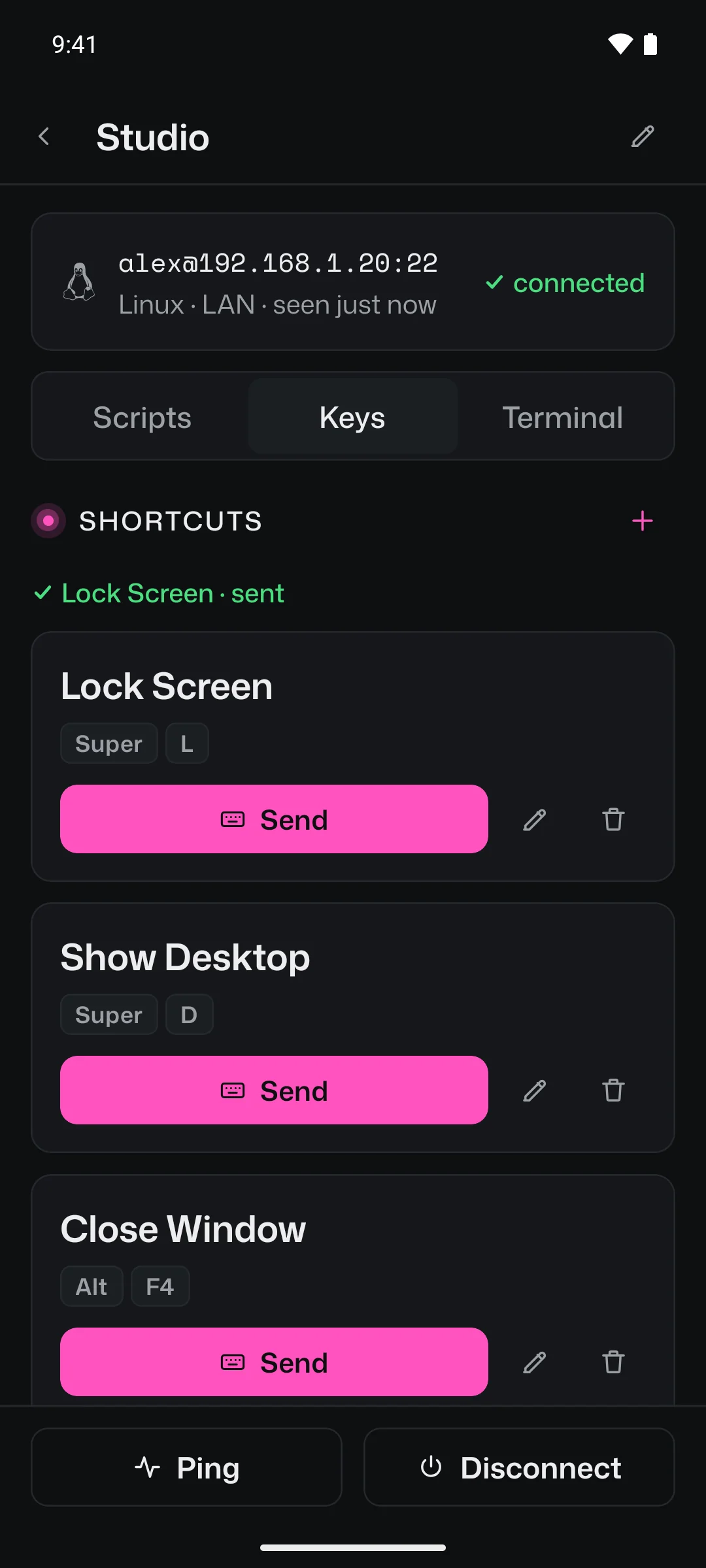
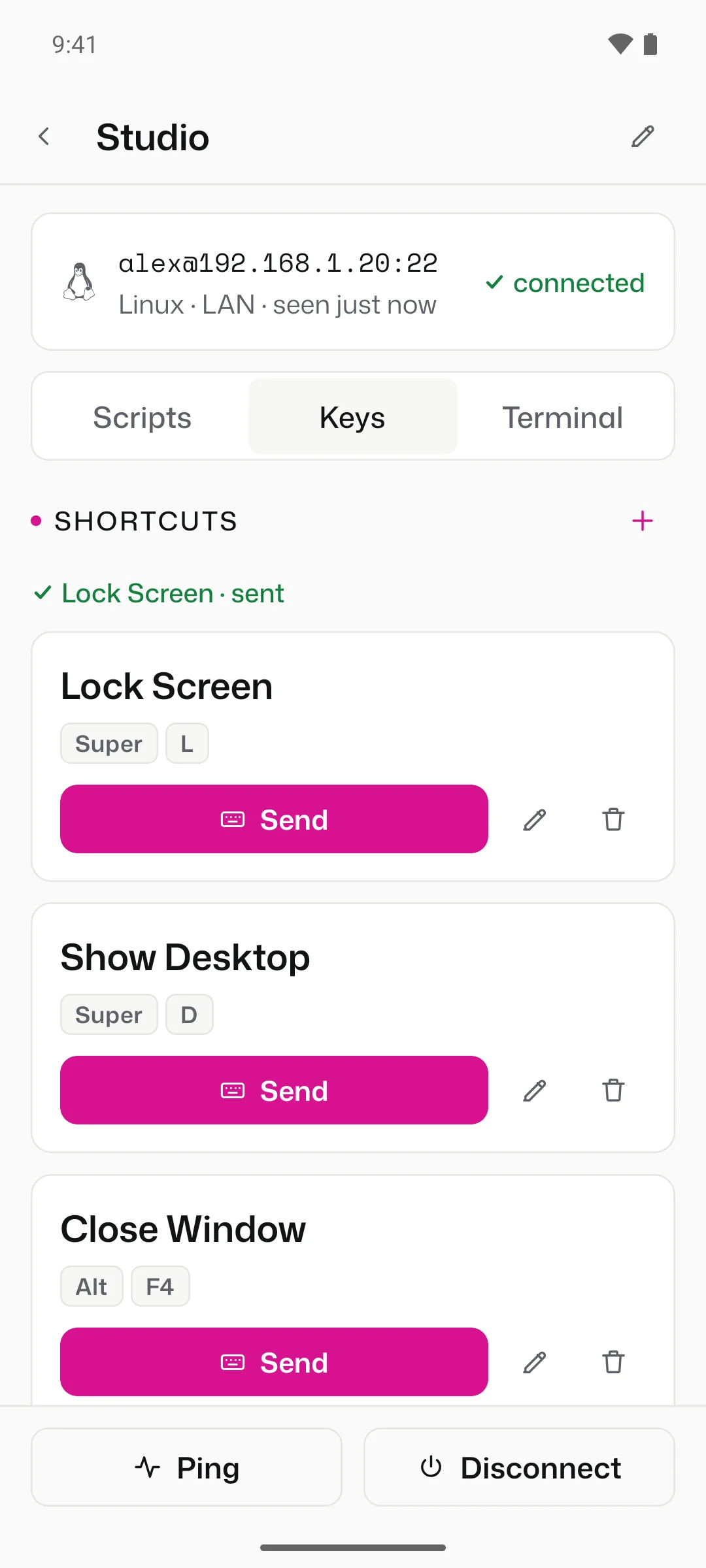
Pick from presets for the machine's OS or type your own, like Super+L. nukeit presses them on the machine's desktop: with xdotool on Linux, System Events on macOS, and a task in the signed-in session on Windows.
Terminal
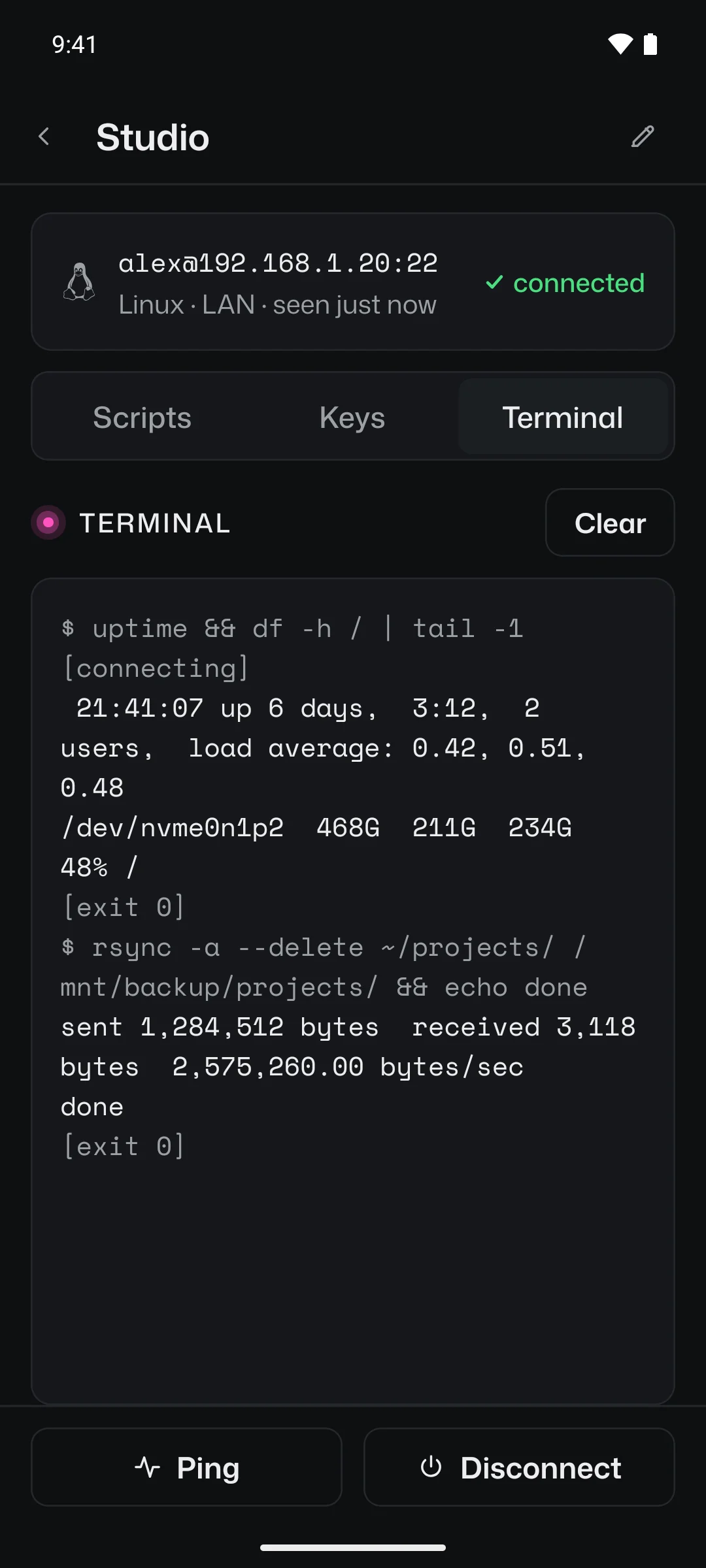
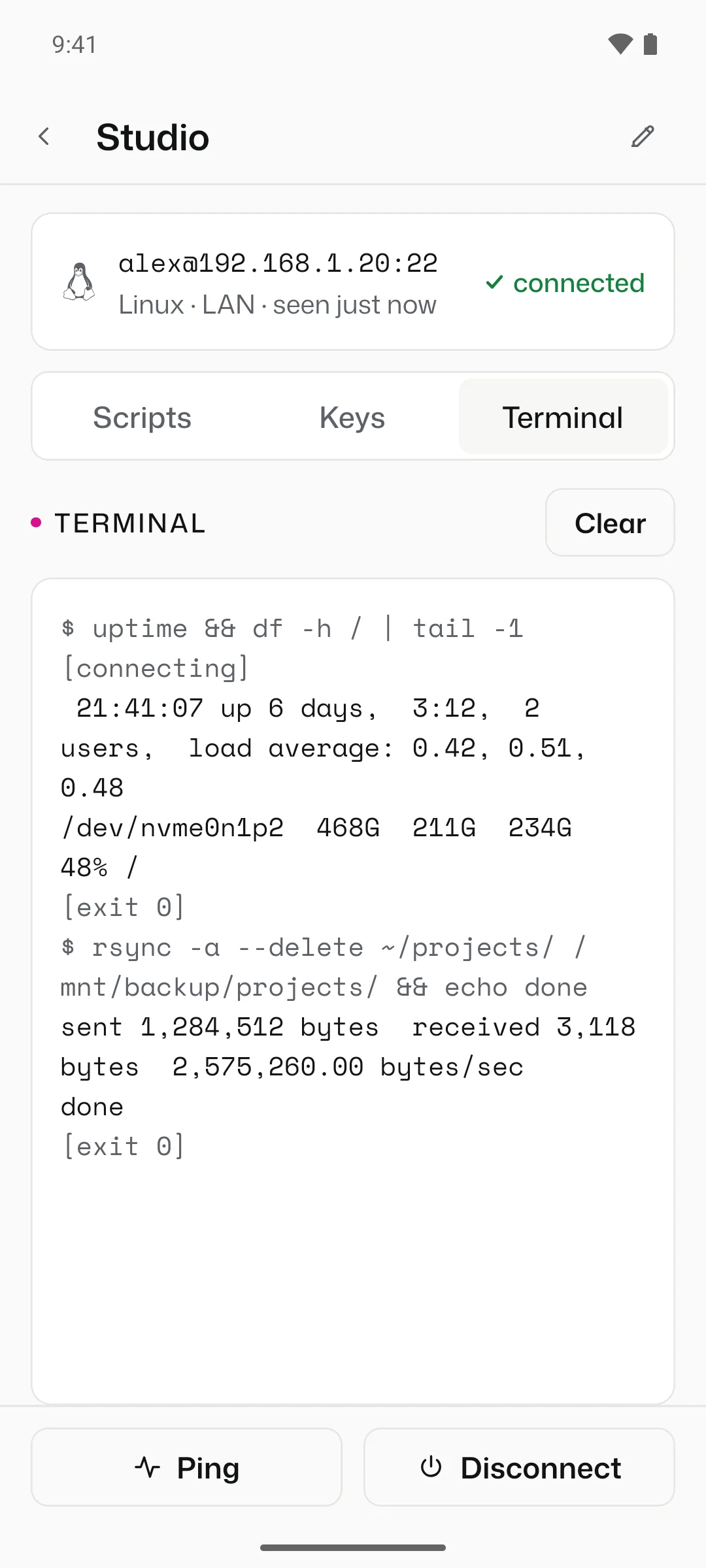
Every command, its output and its exit code land in the machine's terminal, so a run that went wrong shows you why.
Reachability
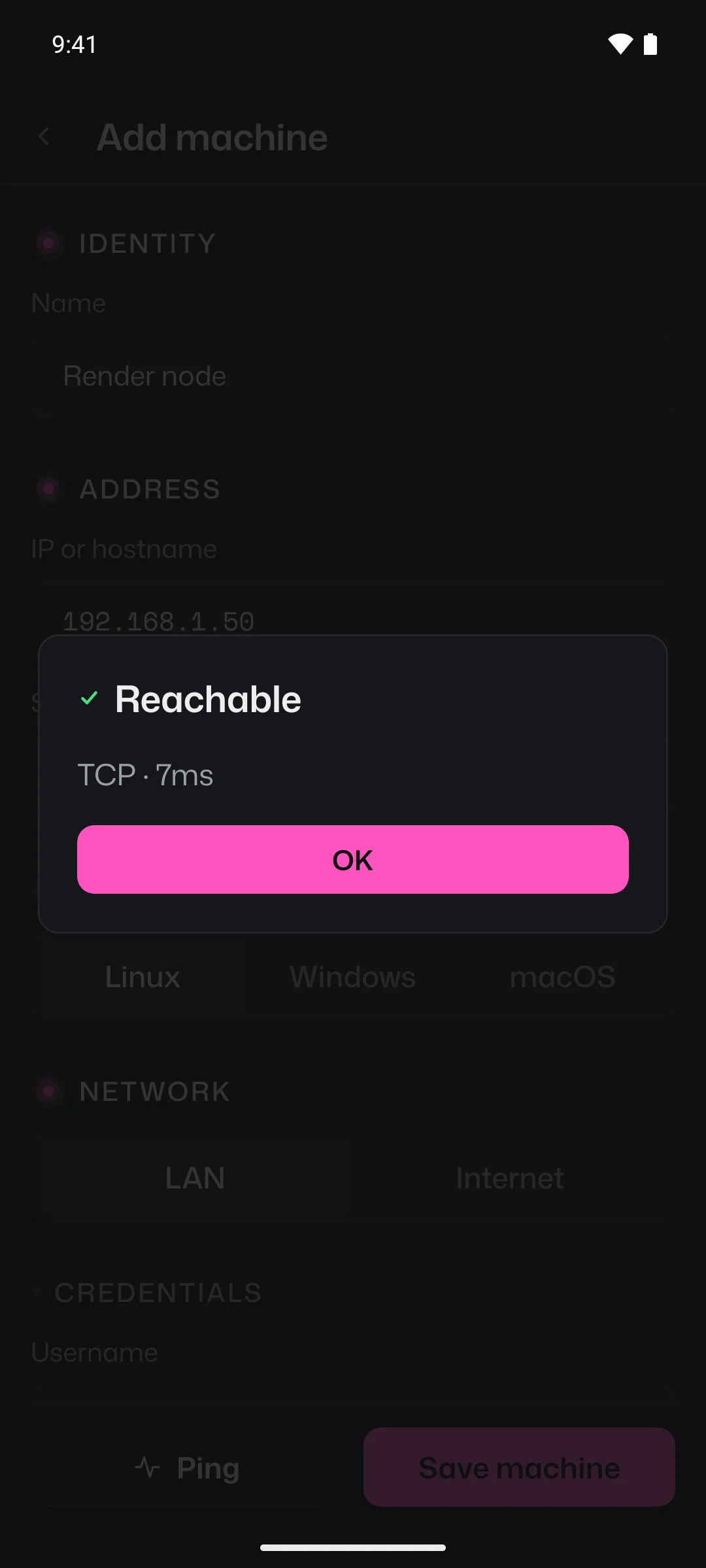
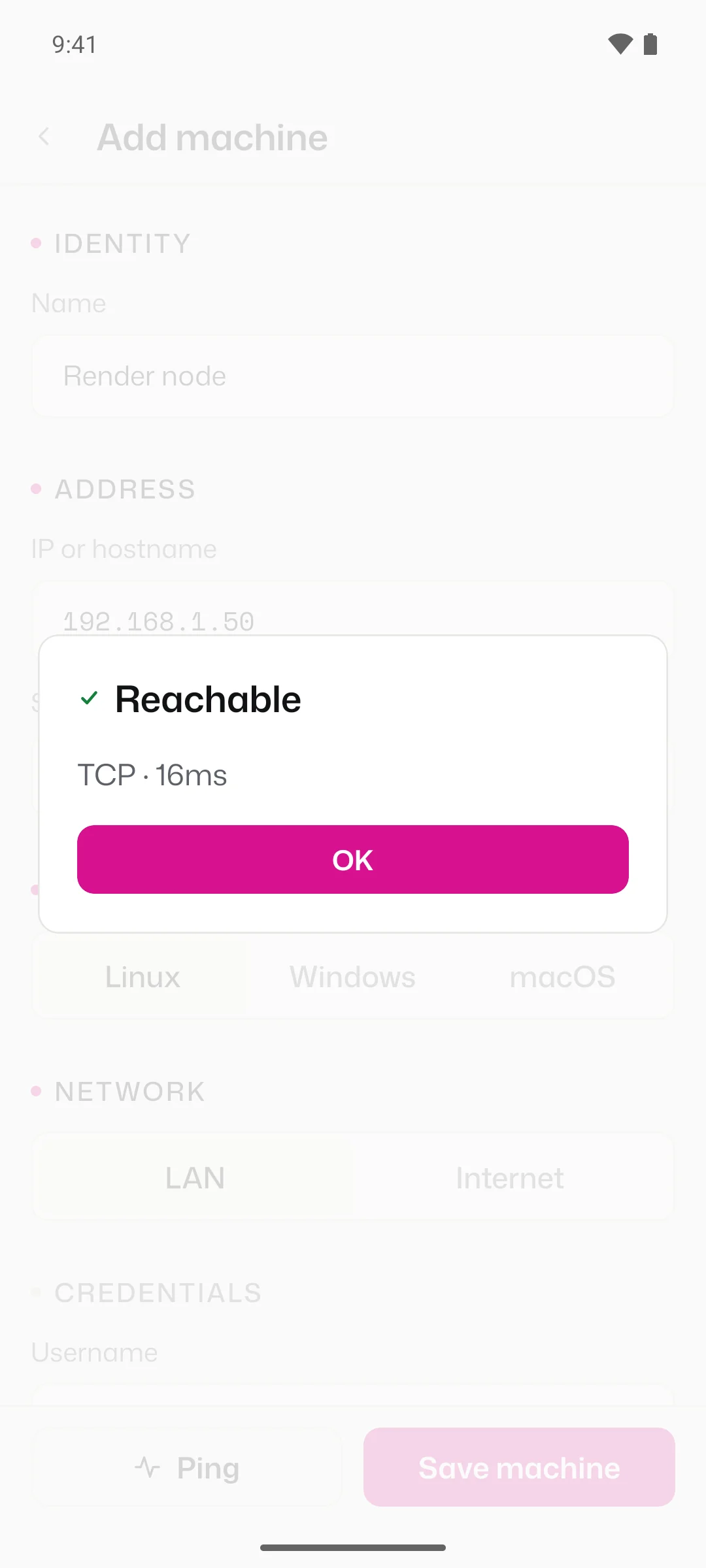
Ping checks a machine without signing in. On the LAN it tries ICMP first, then a TCP connection to the SSH port, because plenty of networks block ping but allow SSH. Machines over the internet go straight to TCP.
Widget
Bind a script to each of its four colours. A press runs it in the background without opening the app, and the button says how it went, in a word and a colour. It follows your phone's light or dark theme.
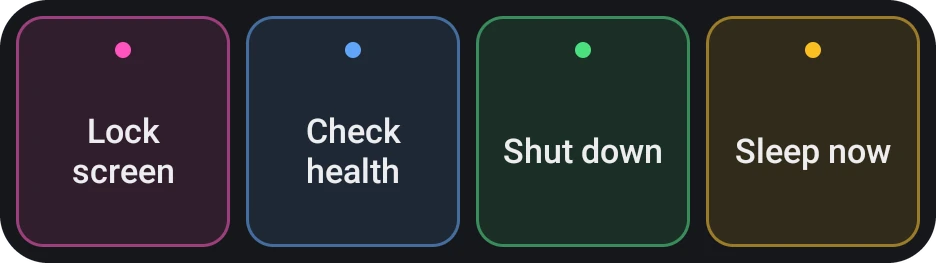
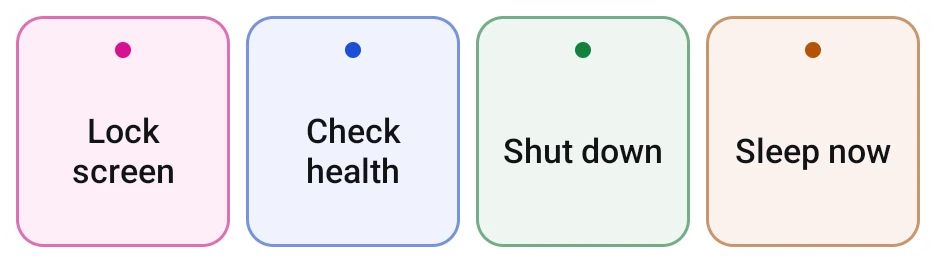 Ready
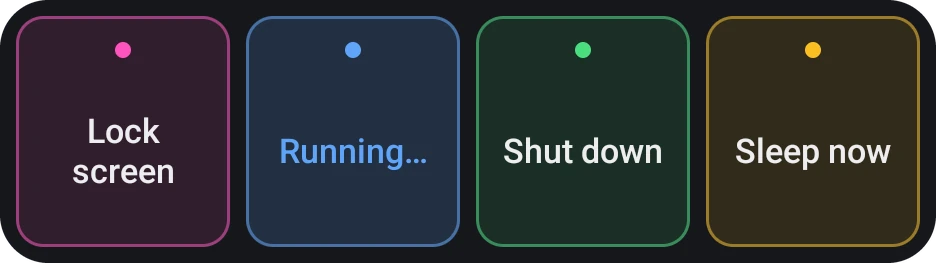
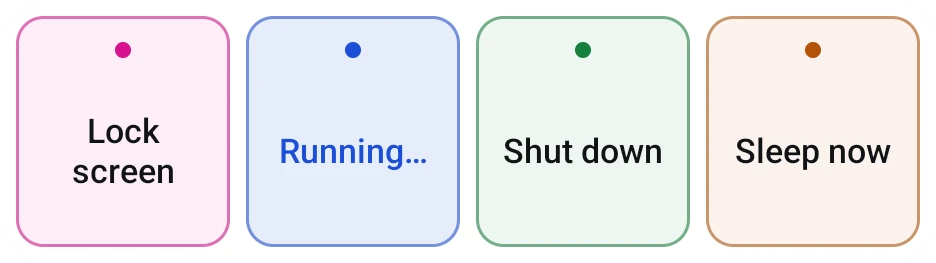 Pressed
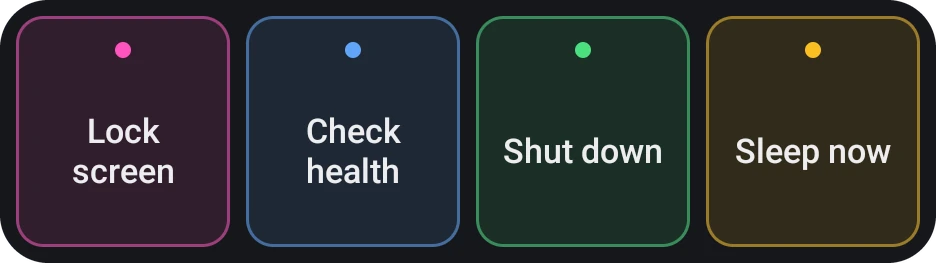
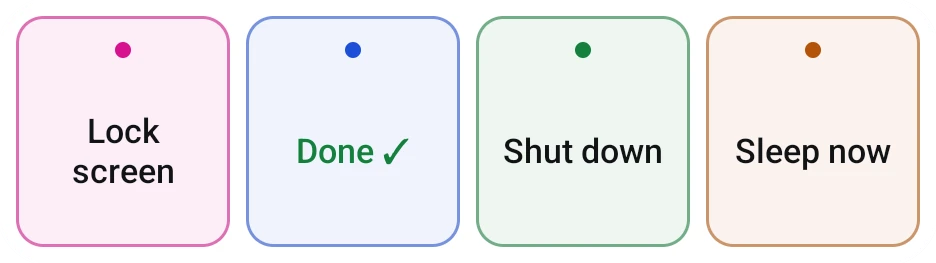 Finished
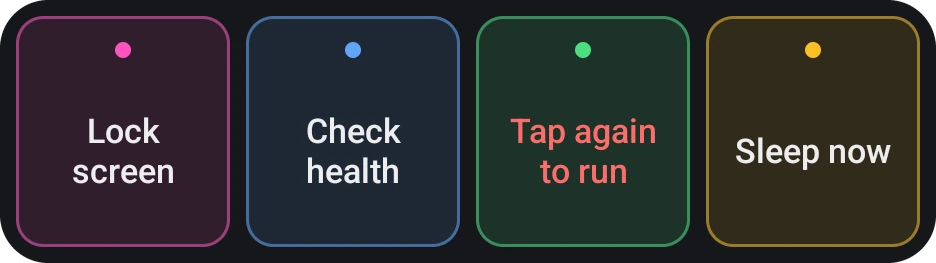
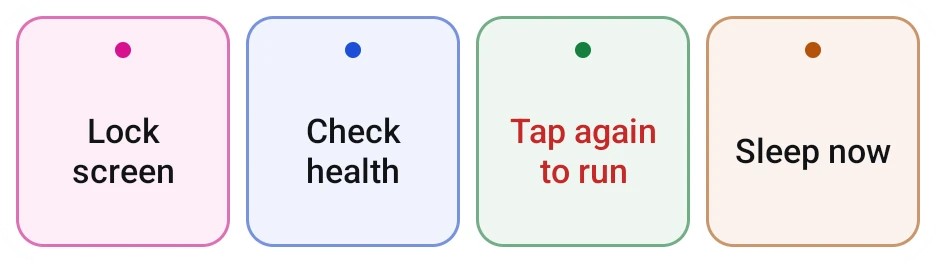 Dangerous, first tap
Screens
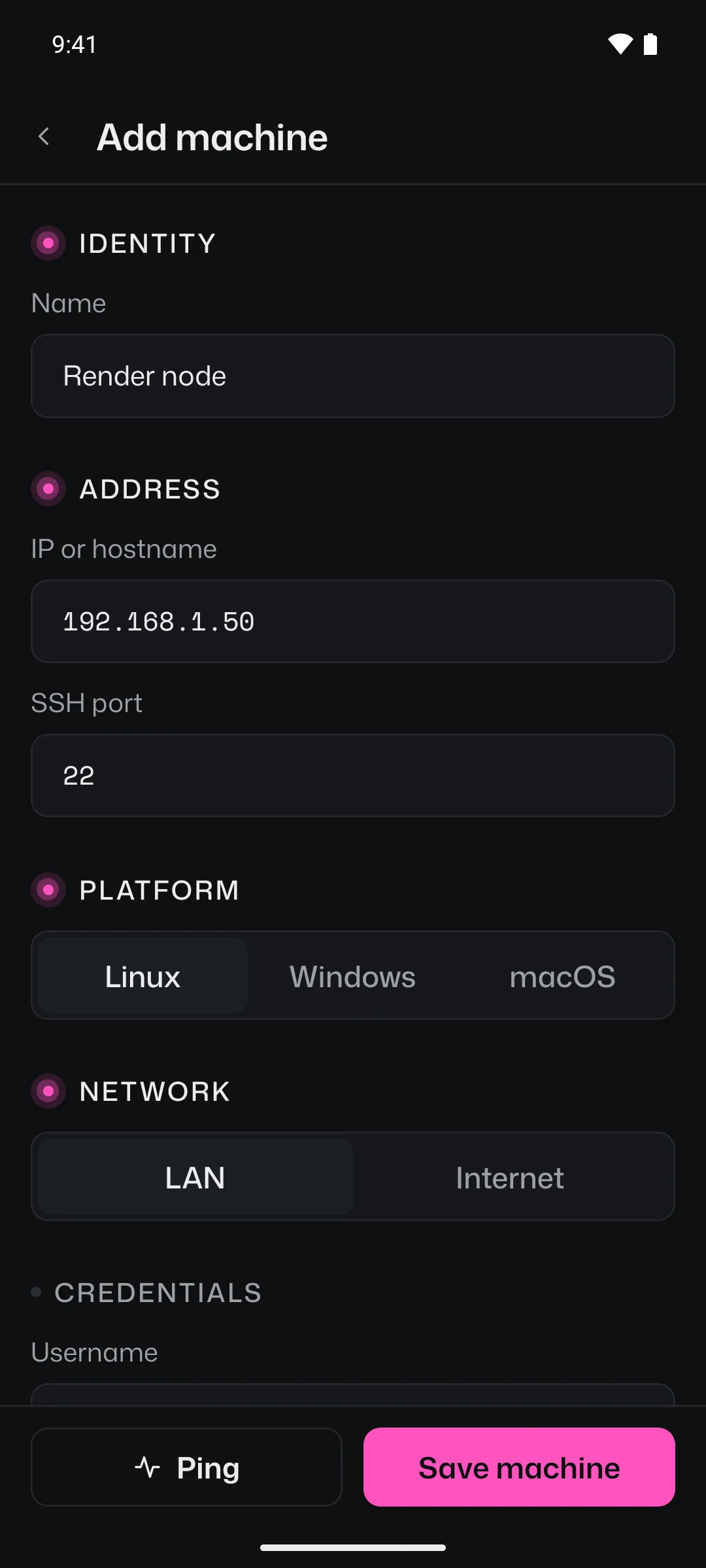
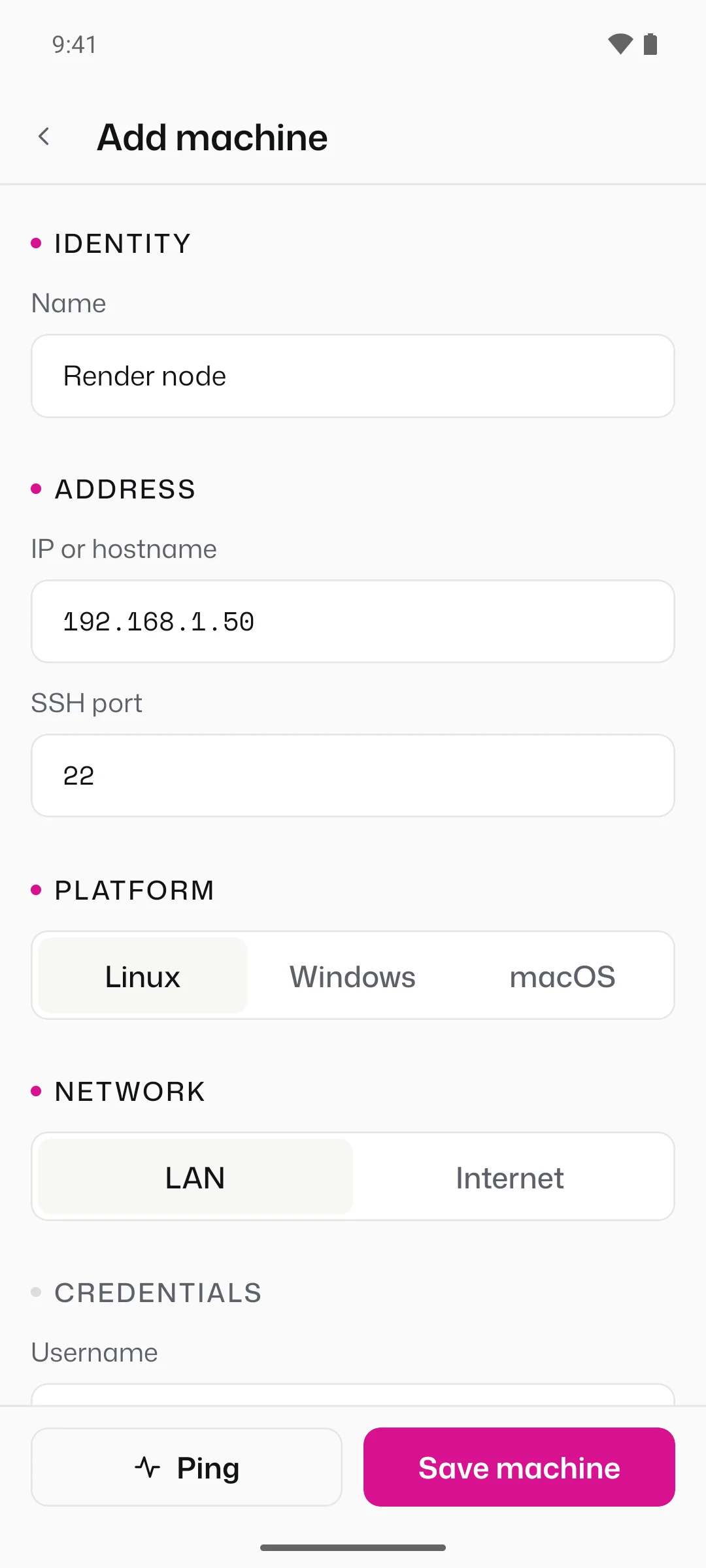
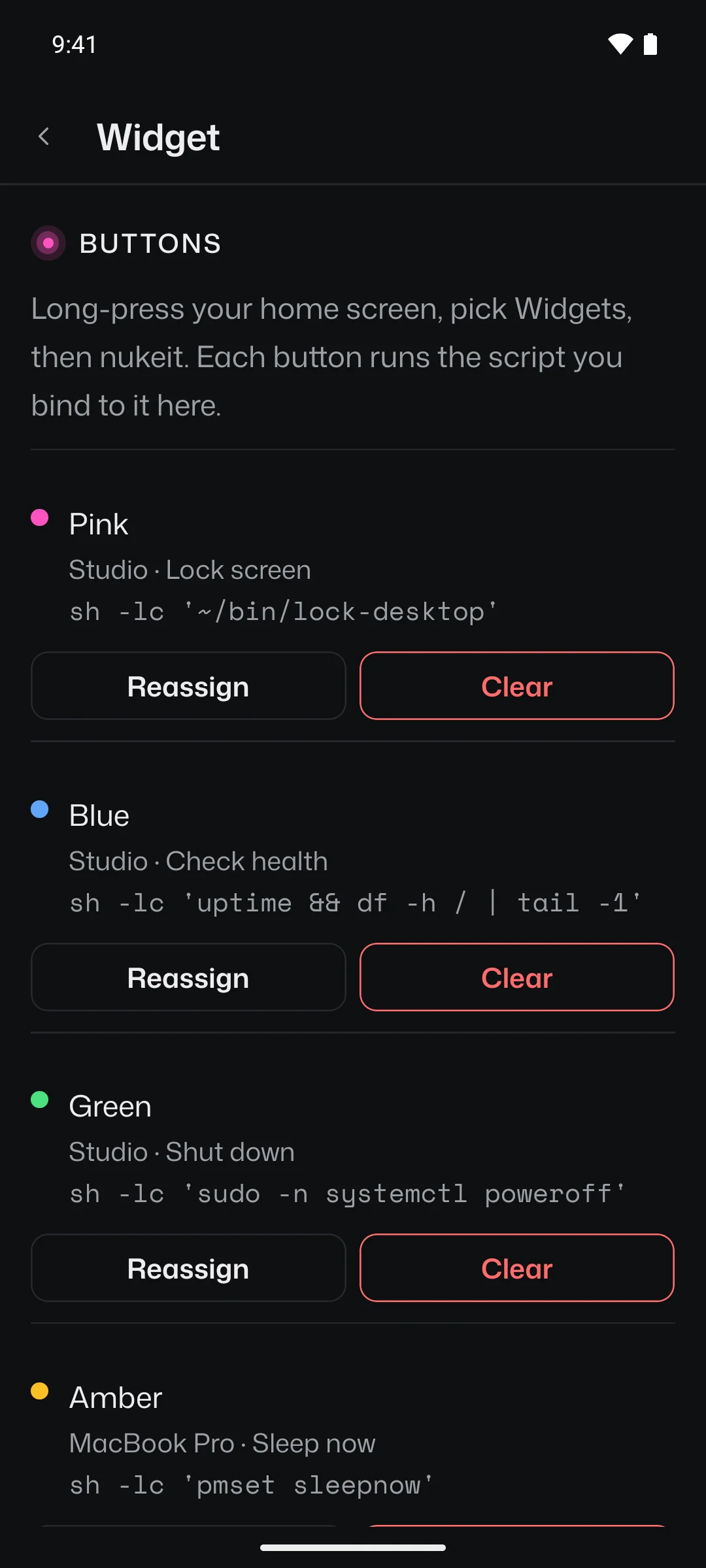
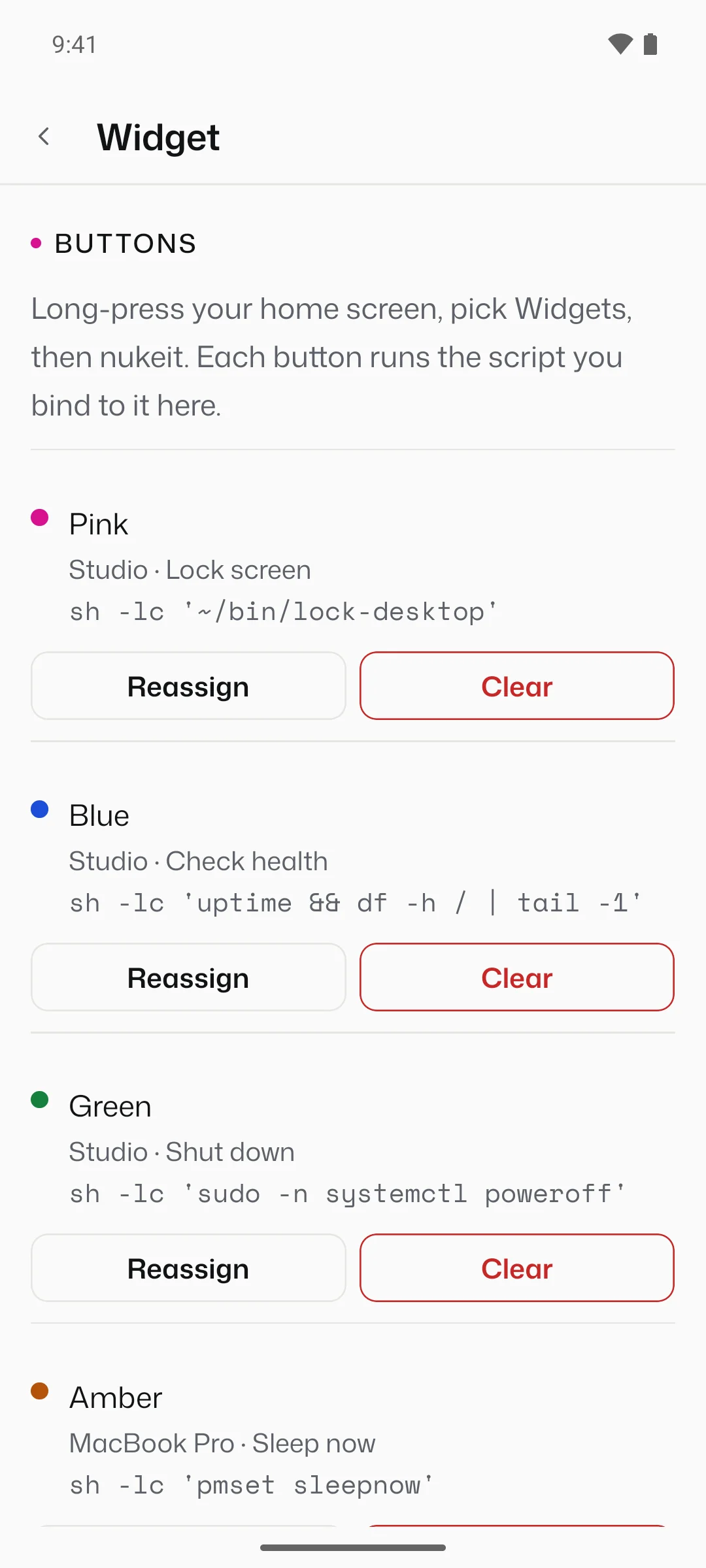
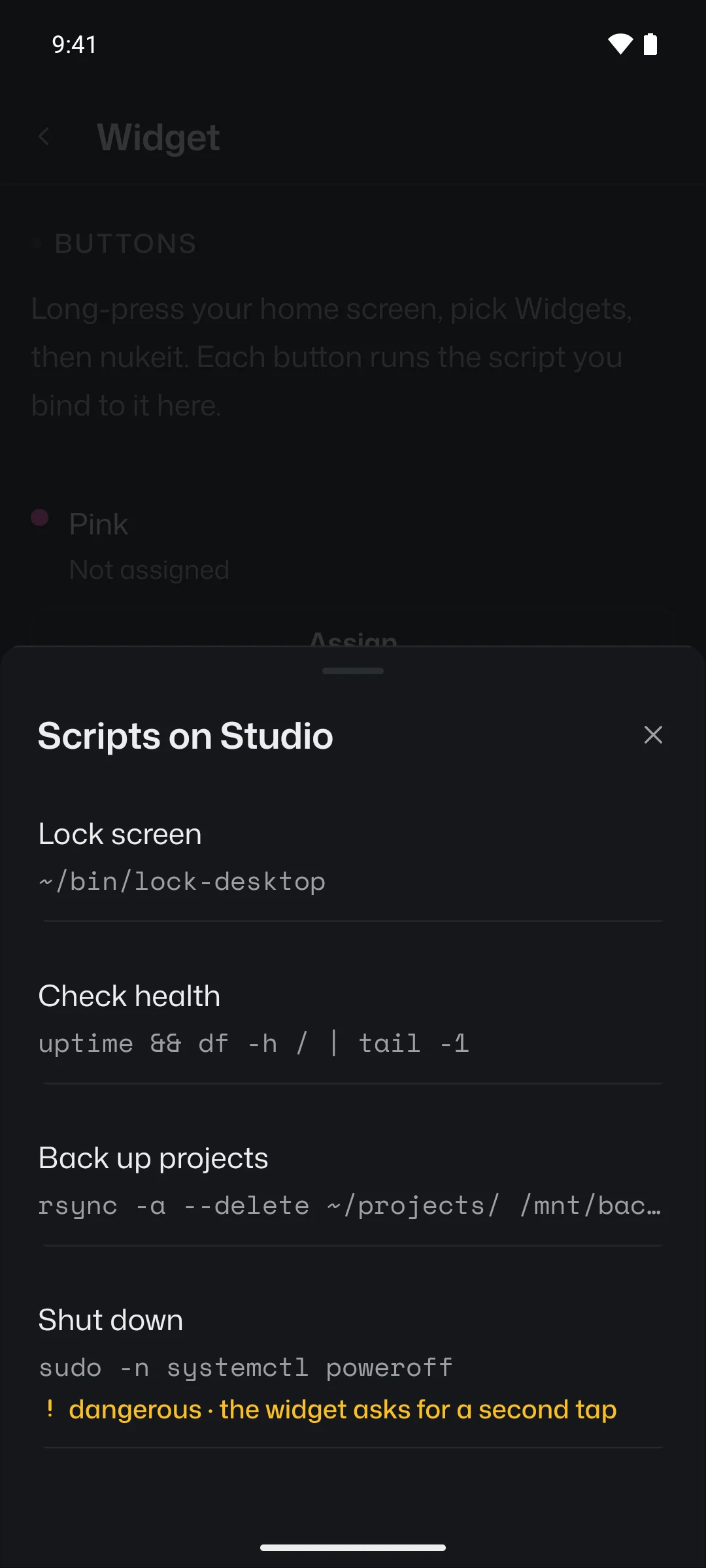
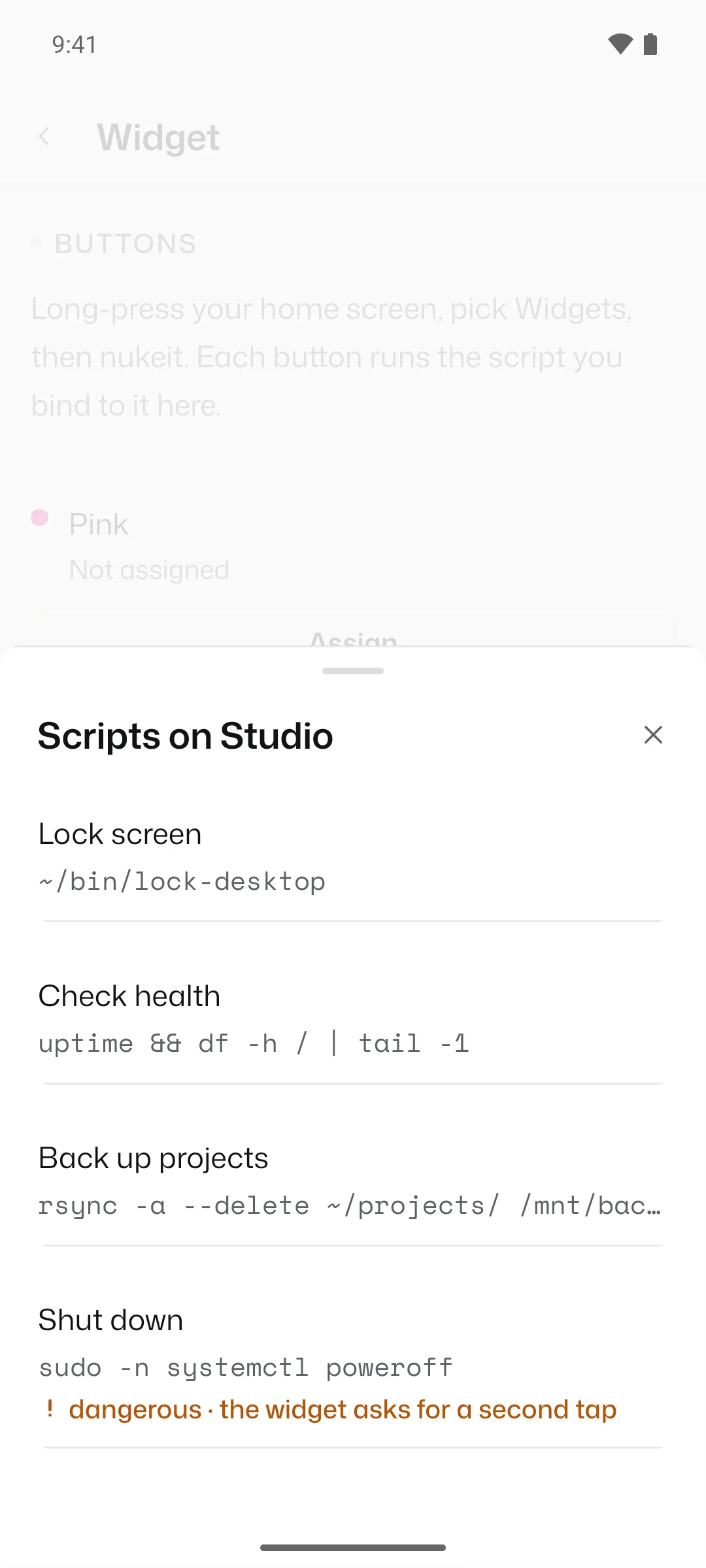
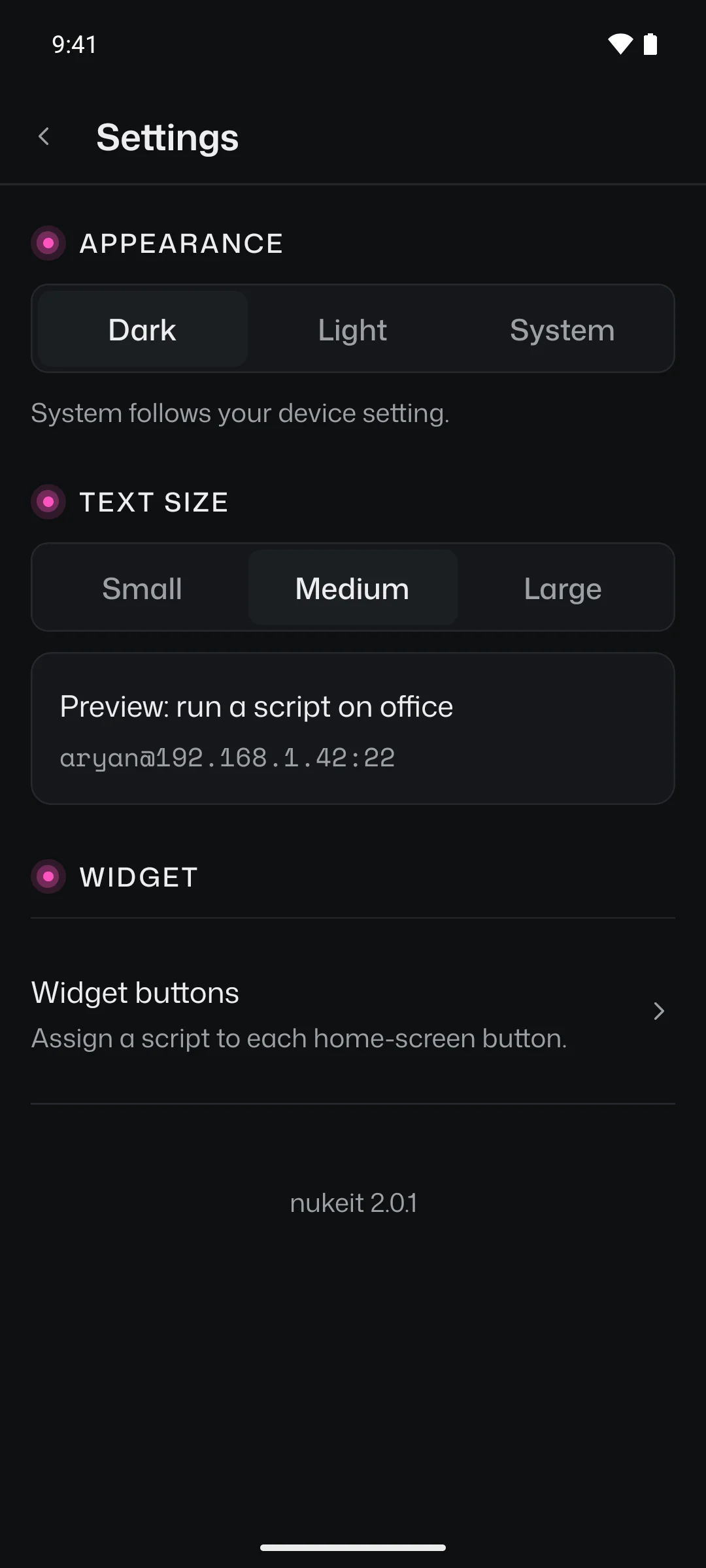
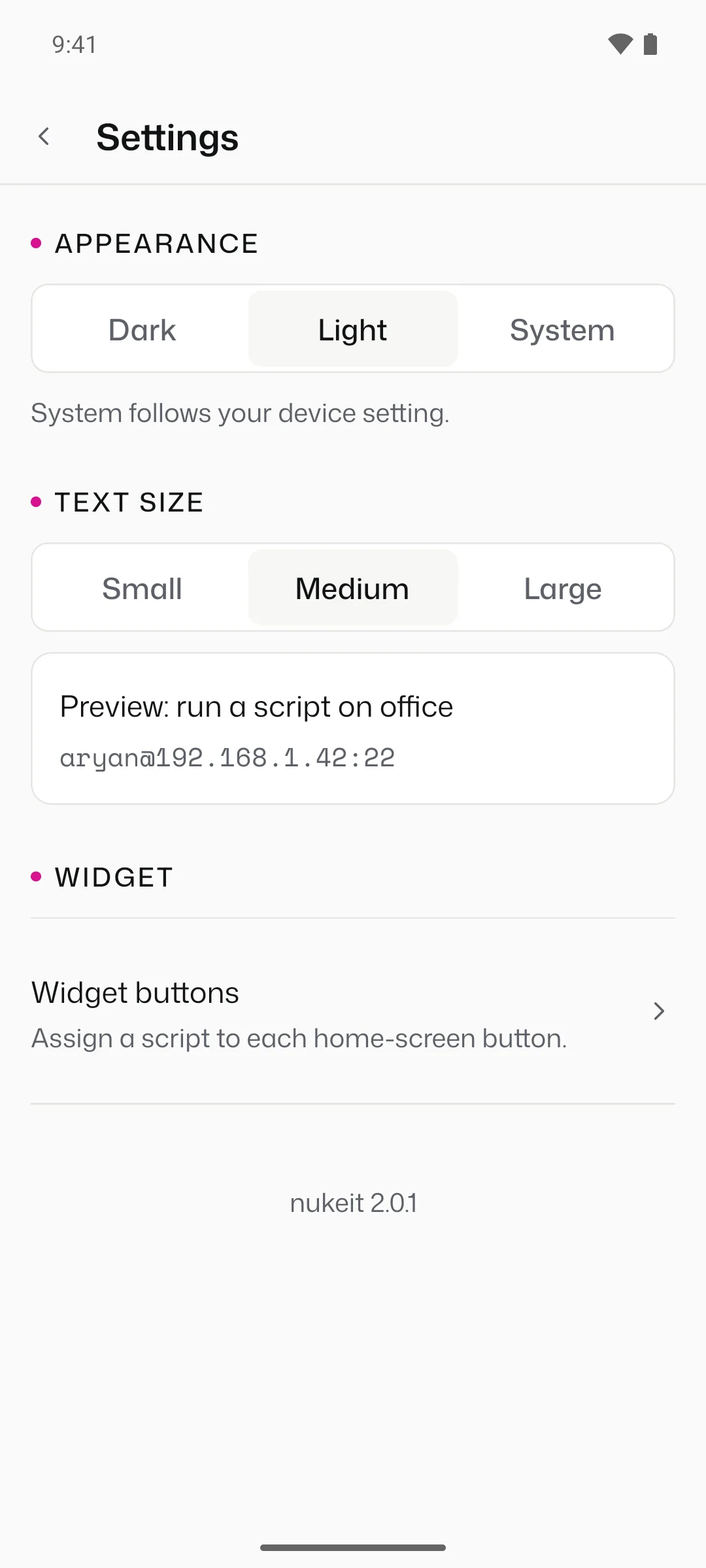
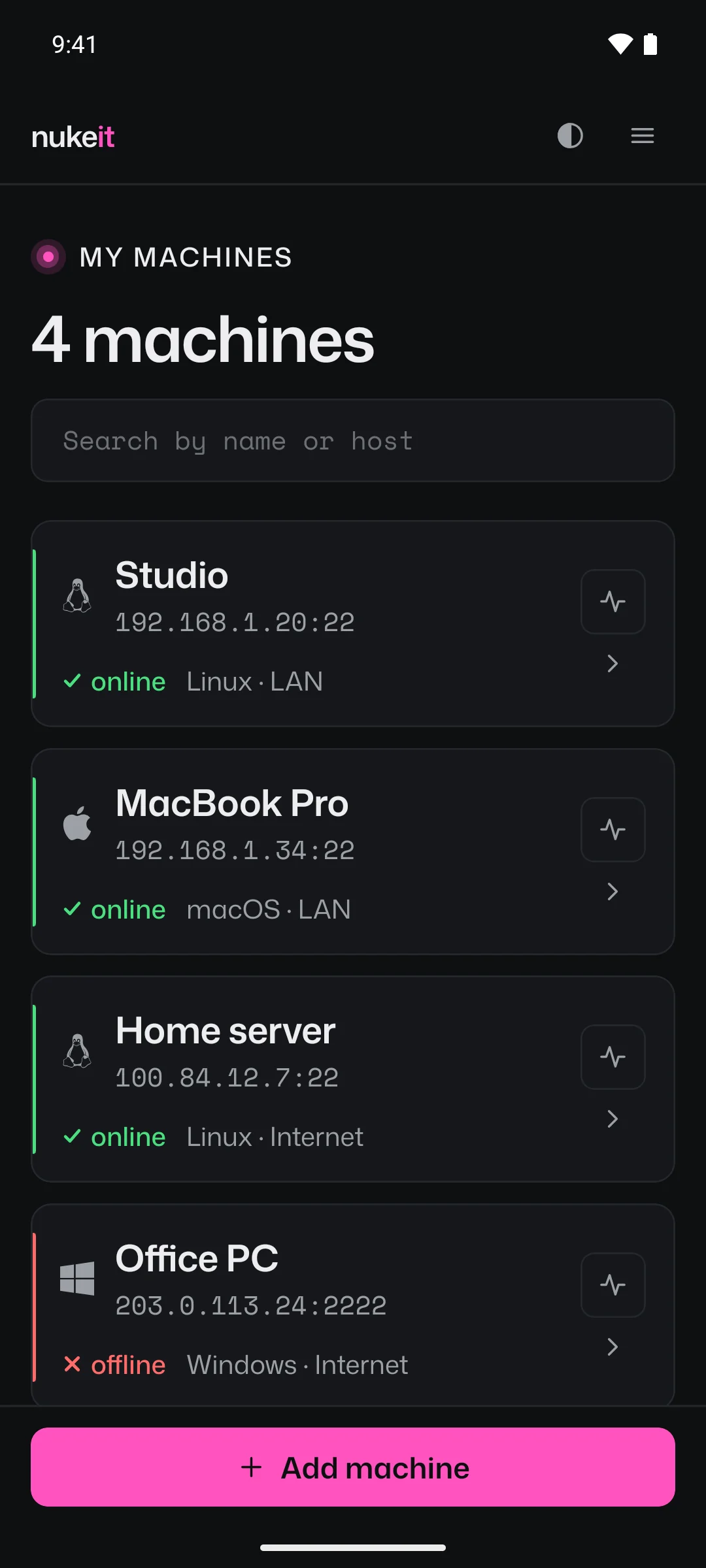
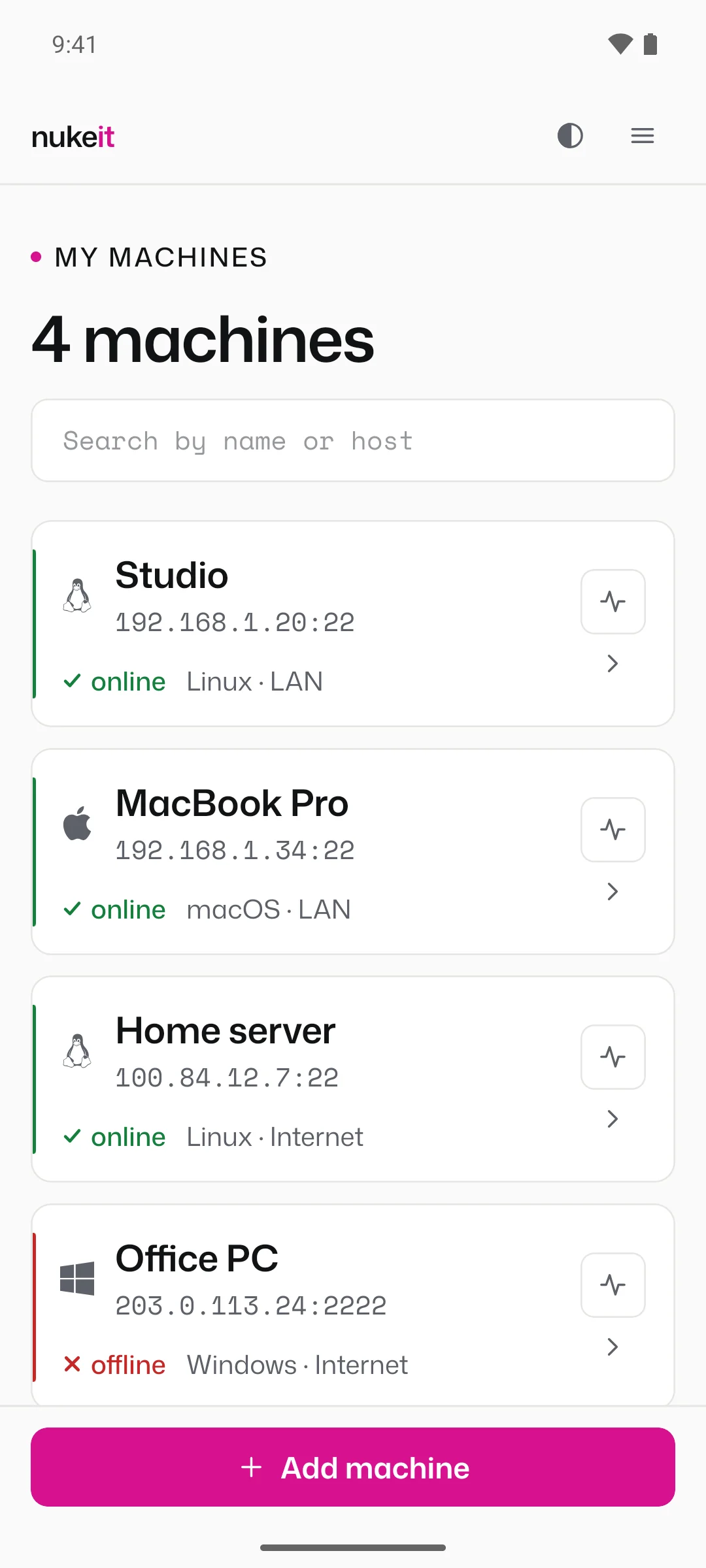
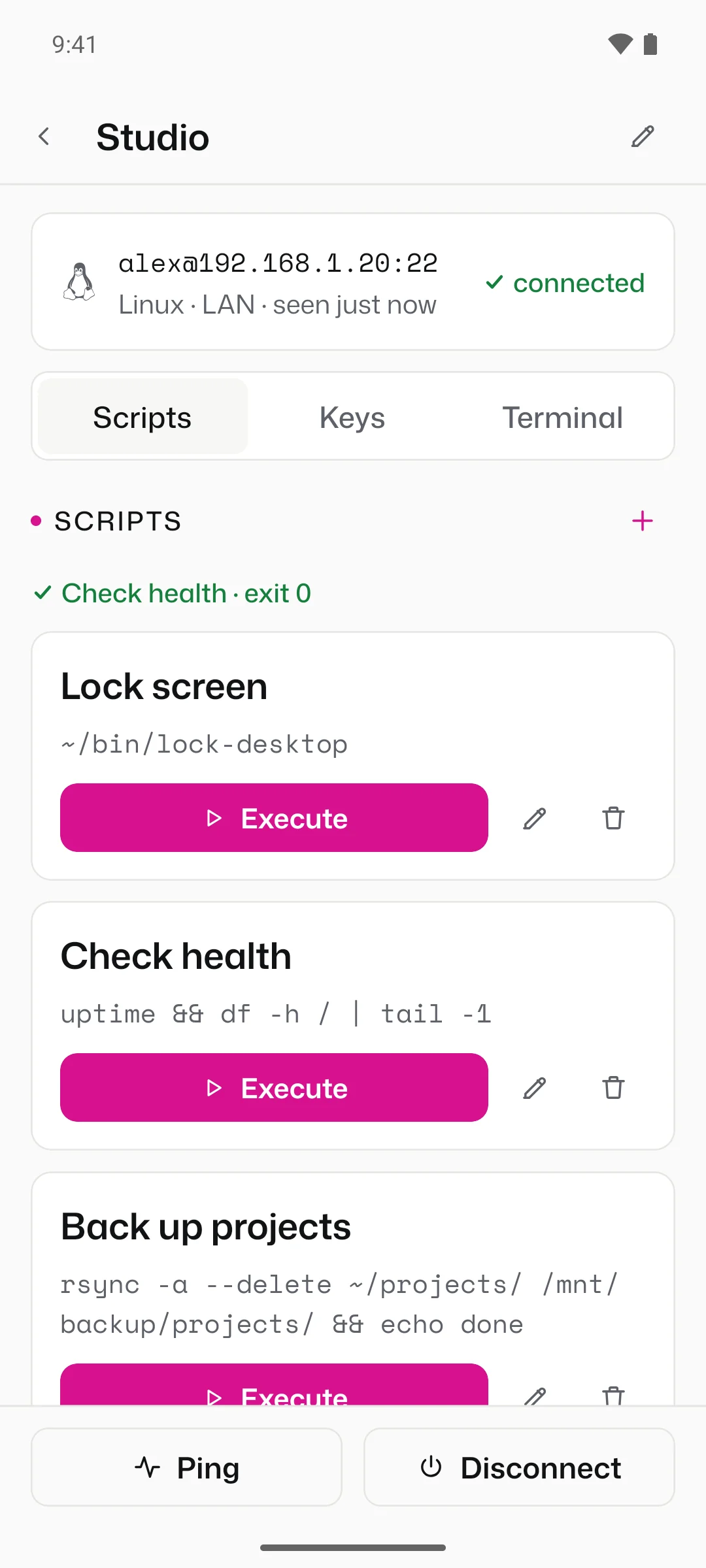
nukeit 2.0.1 on Android 16, with demo machines. Every screen comes in dark and light; switch the site's theme to see the other.
Platforms
The phone needs Android 7.0 or later. The machine needs an SSH server that accepts a password.
How It Works
On each machine, enable its SSH server. It takes one setting on macOS and a couple of commands on Linux or Windows.
Address, port, platform, network and login. Ping it before you save.
Scripts and shortcuts per machine, and up to four of them on the home-screen widget.
Privacy
nukeit talks to your machines over SSH and to nothing else: no sign-up, no analytics, no backend. It asks Android for internet access and network state, nothing more.
Only the commands you wrote, on the machines you added, as the users you gave it. Dangerous scripts need a slide in the app and a second tap on the widget.
Machines, scripts and passwords live in the app's private storage on the phone. They aren't encrypted yet, so keep a screen lock on and give nukeit an account of its own.
nukeit doesn't check a machine's host key yet. On your LAN or through a VPN such as Tailscale that's fine; an SSH port open to the whole internet is better avoided.
FAQ
No. Install the APK, add a machine and run. Nothing is sent anywhere but to your machines.
It's distributed from this site, by invite: ask me for a code. The download page shows the file's SHA-256 so you can check it before installing.
Yes, as long as the phone can reach the machine: through a VPN such as Tailscale, or a forwarded port. The guide covers both.
Yes, with a sudo rule that allows that exact command without a password, then sudo -n in the script. Don't put your password in a script; the guide shows the rule.
The app waits up to two minutes and the widget 30 seconds. Start anything longer in the background, with nohup, and let it finish on its own.
Yes. Install the new APK over the old one; your machines and scripts stay.
No. nukeit is Android only.
Download
The APK comes straight from this site, by invite, with its SHA-256 digest so you can check the file before installing it. No code yet? Ask me for one.
Built by Aryan